
Screenshots
About
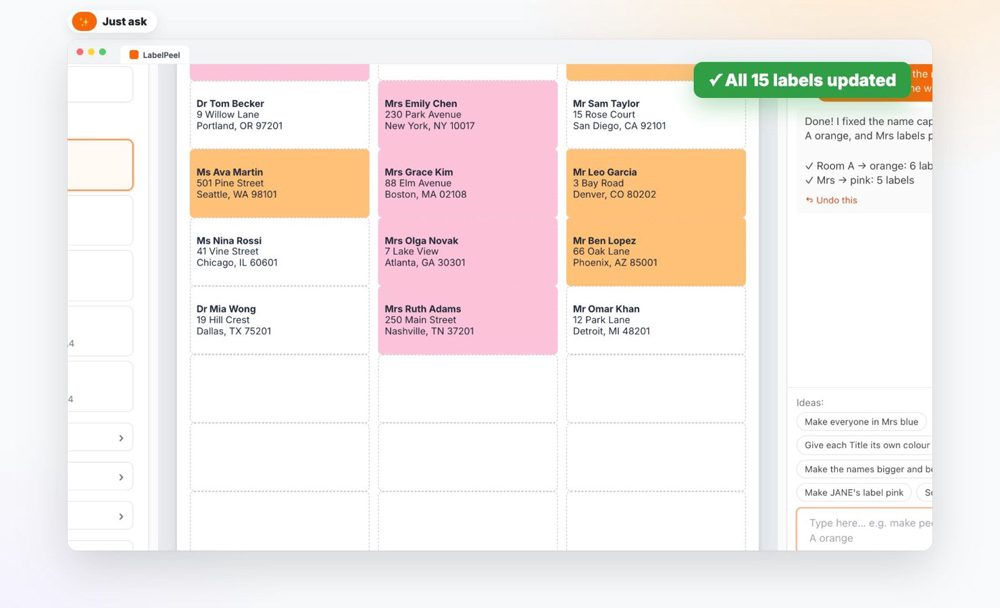
LabelPeel turns a spreadsheet into printable labels. Paste a list from Excel, Google Sheets, Numbers or a CSV and every row becomes a label on Avery-compatible sheets such as 5160 and L7160. Change the look by typing, then print or download a PDF. No Word mail merge, nothing to install.
Maker tools
Prepare the page, the images and the launch around a product like this one.
Ranked with other live products in this category: Best productivity tools for indie makers
See where this pricing label ranks: Best free tools for indie makers
Learn from other listings: product description examples, product tagline examples
Pricing
free
4.0
Based on 1 rating

 Idea

 Execution

 Design

 Value
Comments (1)
Sign in to leave a comment.
From the public page, pasting a spreadsheet list and getting printable labels without a mail merge makes LabelPeel easy to understand. The page shows a worked example on a label sheet and says it is free during the beta with no card. A list of the supported label sizes beside the example would help people check their sheet before they start.