DownloadMapImage
Download Google Maps photos, Street View and 360° panoramas for free
Screenshots
About
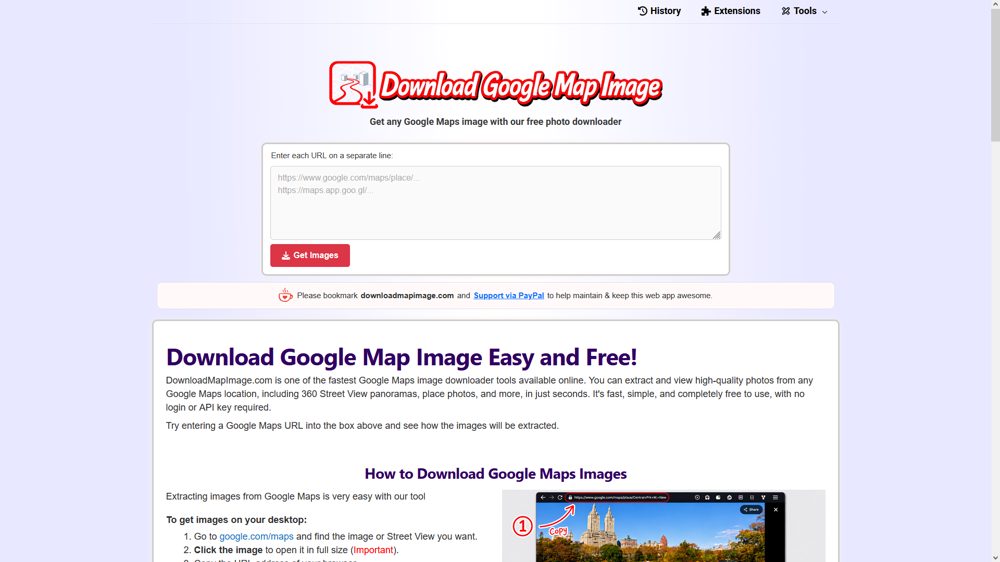
DownloadMapImage lets you save images from Google Maps in full quality. Paste any Google Maps or Street View link (including maps.app.goo.gl short links from your phone) and get the image instantly.
For Street View, the tool stitches all tiles into a full equirectangular 360° JPEG with GPano metadata, so it opens correctly in any 360 viewer or VR app. It also handles place photos, map screenshots and place videos.
No login, no API key, no watermark. Available on the web in 20+ languages, plus browser extensions and mobile/desktop apps.
Maker tools
Prepare the page, the images and the launch around a product like this one.
Ranked with other live products in this category: Best productivity tools for indie makers
See where this pricing label ranks: Best free tools for indie makers
Learn from other listings: product description examples, product tagline examples, browser image tools
Who it is for


Travel bloggers, real estate agents, architects, photographers, teachers and VR creators who need high-quality Google Maps or Street View images for presentations, reports, articles or 360° viewers.
Main features


- Download Street View as full 360° equirectangular JPEG
- GPano XMP metadata for 360 viewers and VR apps
- Save Google Maps place photos in original quality
- Download Google Maps place videos
- HD map screenshots
- Works with mobile share links (maps.app.goo.gl)
- No login, no API key, no watermark
- Available in 20+ languages
Pricing


Completely free to use. No account, no subscription and no hidden fees.
Platforms


- Web
- iOS
- Android
- Windows
- Browser extension
What is new


The web tool is now available in 20+ languages, each on its own localized page. The Windows app MapShot HD is live on the Microsoft Store, and the Google Maps Image Downloader extension is approved on Chrome, Firefox and Edge, adding a "Get Image" button directly on Google Maps.
A question for the community


Which other Google Maps content would you want to download: offline map tiles, reviews, or something else?
Share your answer in the comments below.
No ratings yet

 Idea

 Execution

 Design

 Value
Comments (0)
Sign in to leave a comment.
No comments yet. Be the first to share your thoughts!