
Screenshots
About
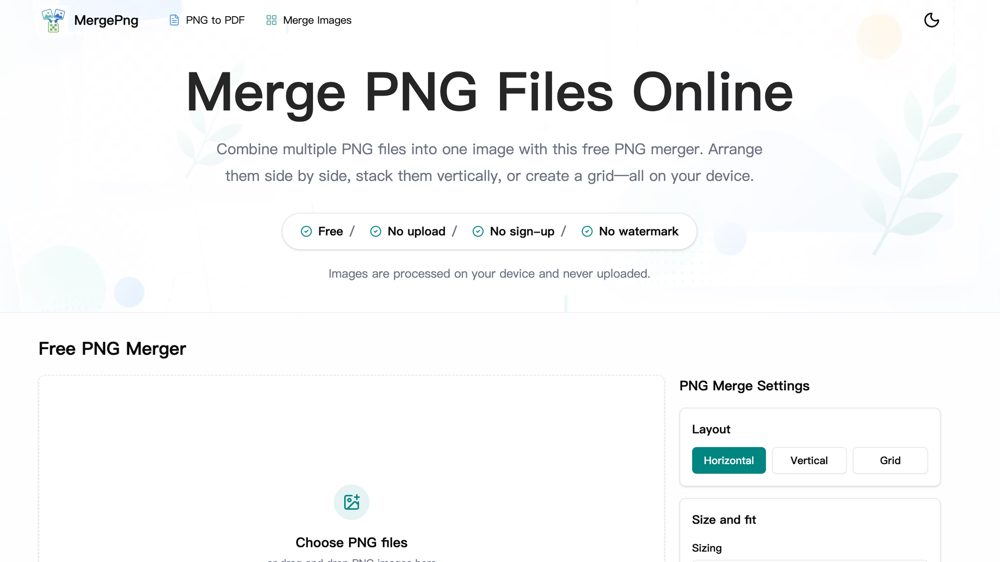
MergePNG is a free, browser-based toolkit for combining images without sending them to a server. Merge PNG files or mix PNG, JPG, JPEG, and WebP images in horizontal, vertical, or grid layouts. Reorder files, preview the result, and adjust sizing, spacing, padding, backgrounds, borders, and output format before downloading. It also converts PNGs to PDF. No sign-up or watermark is required.
Maker tools
Prepare the page, the images and the launch around a product like this one.
Ranked with other live products in this category: Best design tools for indie makers
See where this pricing label ranks: Best free tools for indie makers
Compare IconCutter and MergePNG
Compare Free Image Merger and MergePNG
Compare Emote Resizer and MergePNG
Compare MergePNG and MotionSites
Compare MergePNG and ThumbnailsMaker
Learn from other listings: product description examples, product tagline examples, browser image tools
Looking for something similar? See alternatives to MergePNG
Who it is for


Designers, content creators, e-commerce sellers, students and anyone who needs to combine images quickly and privately.
Platforms


- Web
Pricing
free
Based on 1 rating

 Idea
Idea
 Execution
 Design
 Value
Value
Comments (2)
Sign in to leave a comment.
MergePNG combines PNG, JPG and WebP images in horizontal, vertical or grid layouts for designers, content creators, online sellers and students. Processing stays on the device, so source images do not need to be uploaded. Controls for spacing, padding, backgrounds, borders and output format let users customize the combined image before downloading. How does the merger determine a safe output size for different browsers?
This is a focused tool that does one job well: combine PNGs horizontally, vertically or in a grid, with spacing, background, border and a choice of PNG, JPG or WebP output. Because the work happens in the browser and the files are never uploaded, it suits private screenshots and transparent logos, and the FAQ explains that natural filename sorting keeps image10 after image2. The page is light and tidy with the upload area and settings side by side, though the preview stays empty until you add files. The Pricing page only describes Pro features for WebP to PNG batches, so someone who came to merge images may wonder what Pro means for them, and a line saying the merger itself stays free would remove that doubt.